Streamline your remediation workflows with our latest product updates

author profile image by Alfa Björnsdóttir, Customer Success Manager
Jul 3, 2026

#New releases
Back to Blog
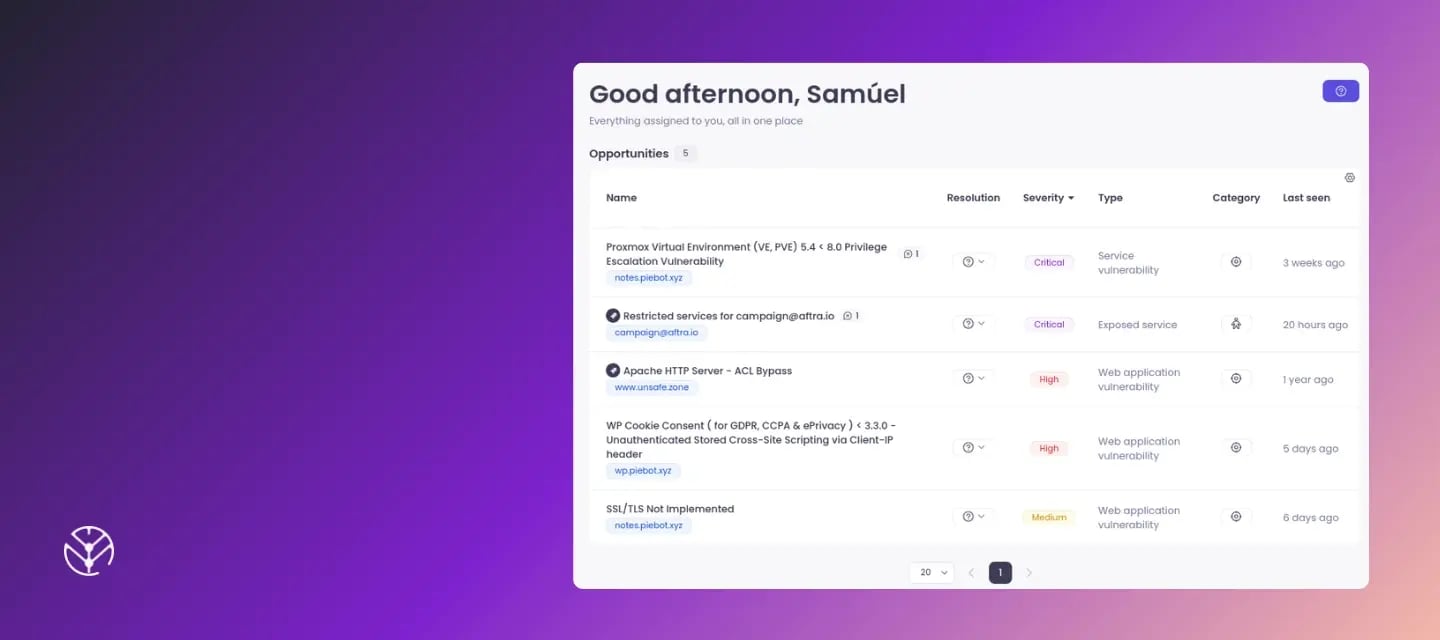
Screenshot of opportunity assignment in Aftra over a purple gradient


The biggest challenge in cybersecurity isn't just discovering risks, it’s finding the time and coordination to fix them. As we head into the summer vacation season, maintaining a strong, proactive security posture is more important than ever. But keeping your business secure shouldn't mean adding to your daily workload.

That’s why our team has been busy building features designed to save you time, reduce manual oversight, and help you focus on strategic remediation. From seamless delegation to automated verification, everything we’ve built recently is focused on helping you secure your environment faster and more effectively.

TL;DR What’s new in Aftra?

  • [New] Direct opportunity assignment: No more manual data exports or messy email threads. Delegate vulnerabilities directly to internal team members or external service providers instantly.
  • [Upgrade] On-demand rescan & auto-resolve: Stop wasting time manually verifying fixes. Trigger an immediate rescan the moment a fix is deployed and let Aftra automatically close the issue.
  • [Upgrade] Employee footprint monitoring: Track Microsoft 365 and Google Workspace SSO connections on the Footprint page to spot and manage hidden third-party application risks.
  • [New] Interactive onboarding assistant: Familiarize new team members with our solution automatically, saving you from running manual walkthroughs.

Keep reading for more details on each.

Get your team or service providers involved by assigning tasks in Aftra

One of the most common challenges in vulnerability management is getting the right people involved quickly and keeping communication organized. That's why we're excited to introduce Assignees in Aftra!
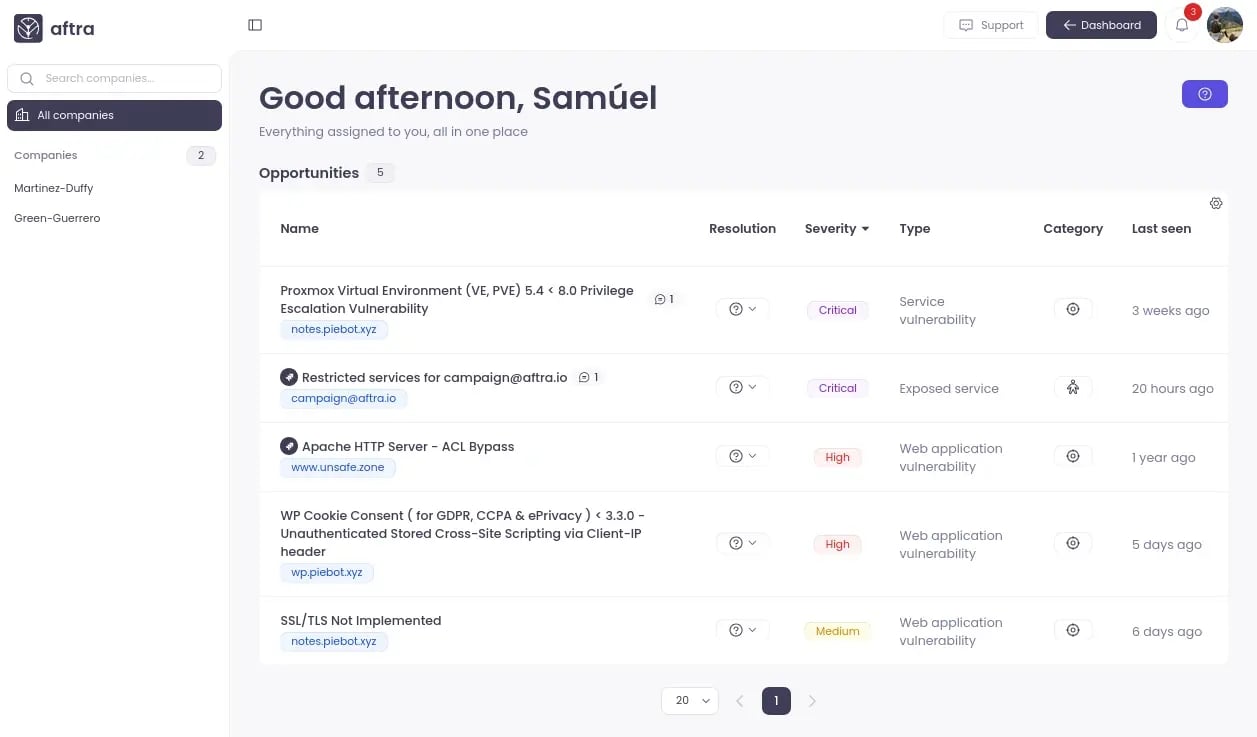
Screenshot of assignees feature in Aftra

You can now assign vulnerabilities directly to both internal admins and external stakeholders. Instead of switching to email, copying details, and managing conversations across multiple systems, everything can now stay connected to the opportunity inside Aftra.

  • Shorter communication paths: Get vulnerabilities in front of the people who need to take action without creating separate email threads.
  • Keep everything in one place: Assignments, comments, updates, and activity history remain connected to the vulnerability, making it easier to track progress and maintain visibility.
  • Better collaboration with external parties: External assignees receive notifications and can access a dedicated list of vulnerabilities assigned to them, allowing them to focus on what requires their attention without exposing other sensitive information.
  • Improved accountability and tracking: Know who owns an issue, see what actions have been taken, and maintain a clear audit trail throughout the remediation process.

Track employee-authorized services in your digital gootprint

We've expanded the Footprint page to show services that employees have authorized using your company directory through Microsoft 365 or Google Workspace.

Why does this matter?

Employees regularly connect third-party applications to corporate accounts to improve productivity. While often well-intentioned, these applications can introduce security, compliance, and data-sharing risks that are difficult to track. You can now monitor these connections directly within Aftra, giving you total visibility over your true attack surface.

Note: To enable this feature, you just need to re-authorize your Microsoft 365 or Google Workspace integration within your settings.


Get results on demand: On-demand rescan & auto-resolve

Tracking down fixes and guessing if a vulnerability is gone is a major time sink. Aftra now allows you to trigger an immediate rescan the moment a fix is deployed.

If the system no longer detects the opportunity, it will automatically close it for you—giving you results on demand, exactly when you need them.

Look for the "Rescan and verify" option in the details sections of an opportunity to try it out!
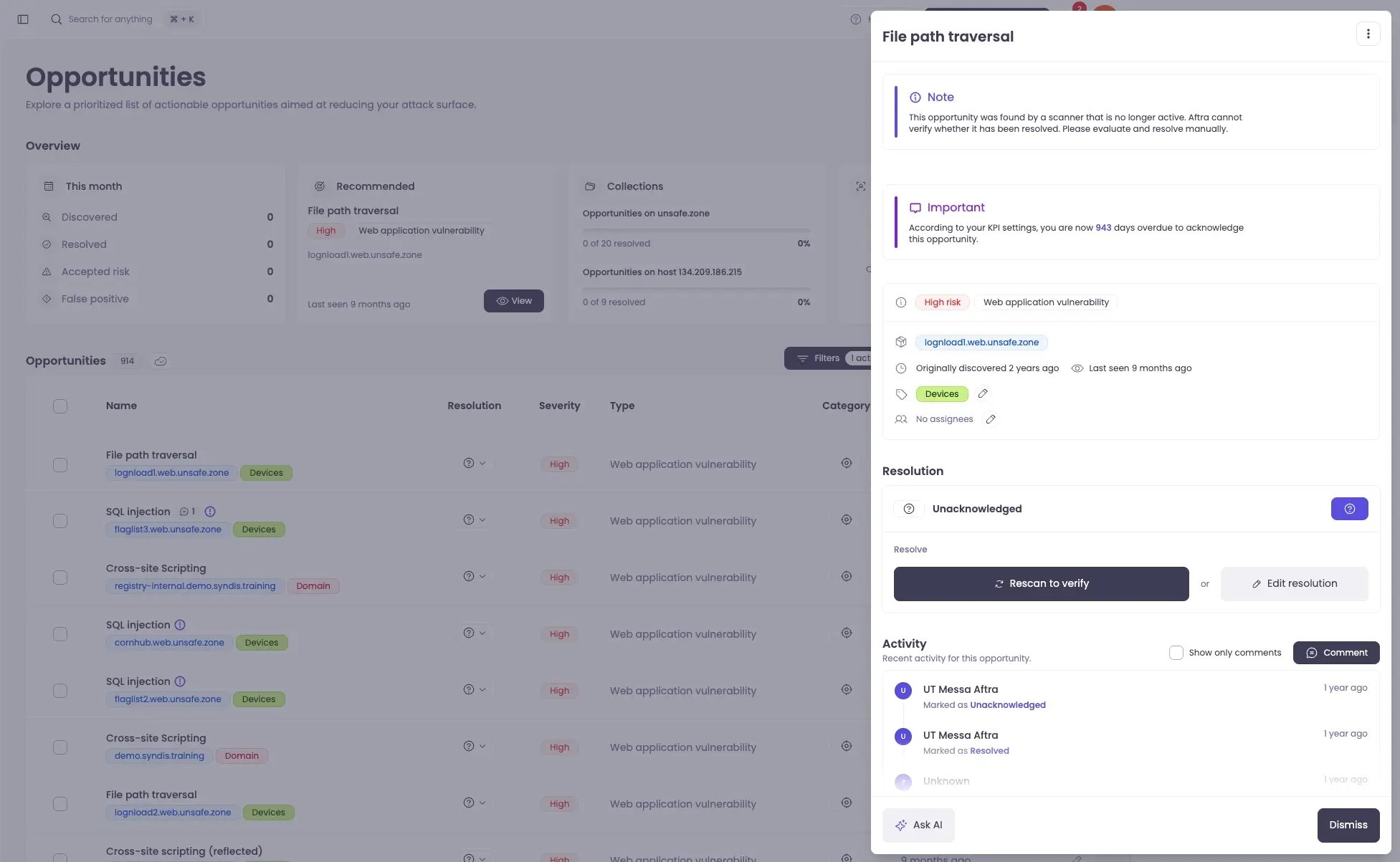
Rescan in Aftra screenshot

Hit the ground running with our Onboarding Assistant

Getting new users up to speed can eat up valuable training time. We’ve launched an interactive Onboarding Assistant in Aftra, available whenever you need it.

It allows you to seamlessly onboard new team members and familiarize them with Aftra automatically, saving you from manual walkthroughs and ensuring your team hits the ground running.
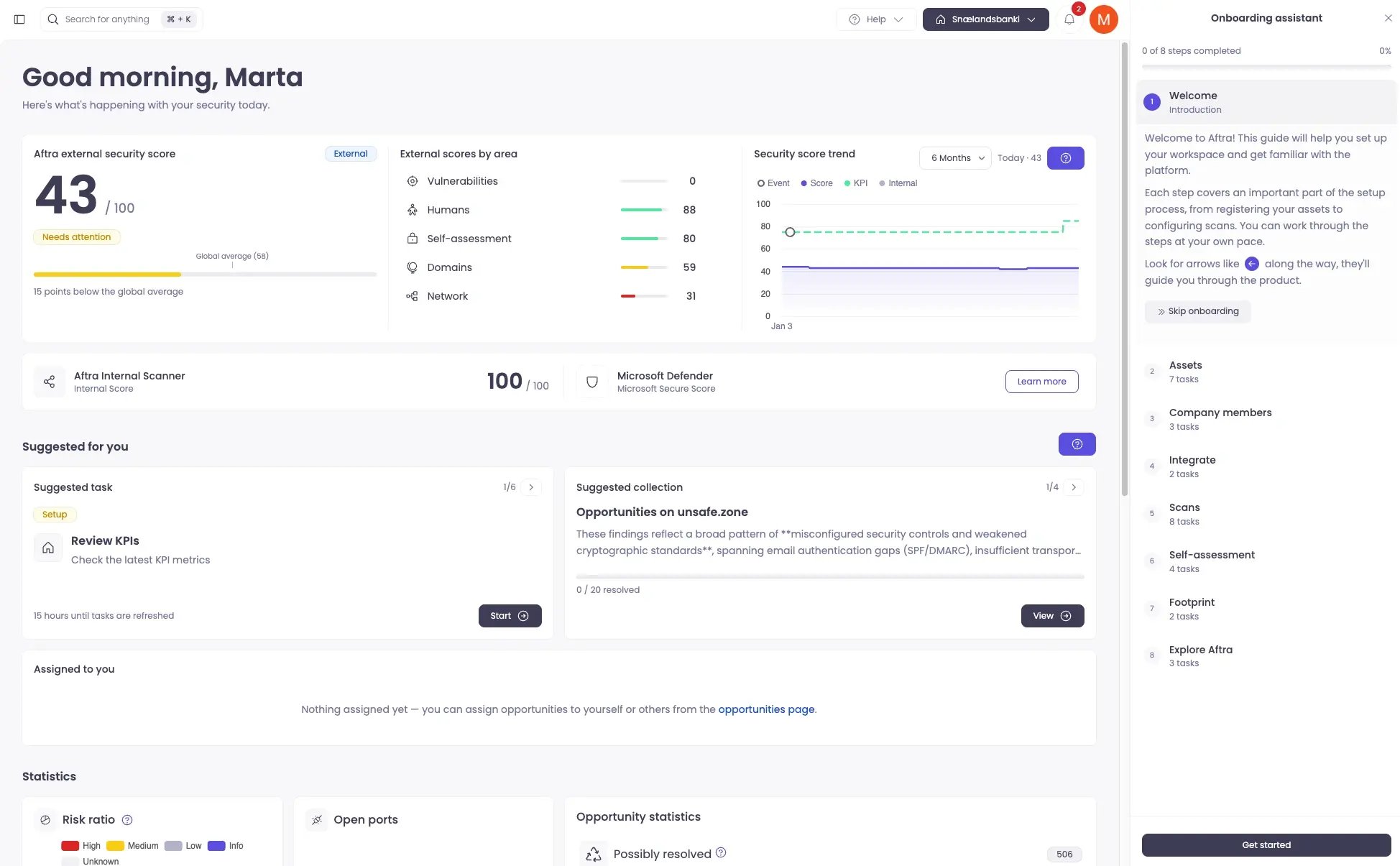
The Onboarding Assistant can be activated at any time under your Profile Settings in the top right corner.


On boarding assistant in Aftra screenshot


Your insights are our growth

We’re constantly evolving Aftra based on your feedback. Here are a few recent updates driven directly by you:

  • Automated account labeling: Labels applied to your accounts are now automatically inherited by any opportunity linked to that account. This removes the manual work of tagging individual issues, ensuring your data stays organized and your workflows remain consistent without extra effort.
  • Aftra is now available in Dark Mode: It is finally here! You can now toggle Aftra into Dark Mode to reduce eye strain during those late-night security reviews. To turn it on, simply click your profile icon in the top right corner.
  • Refining the employee footprint: Users enrolled in campaigns can now flag specific services they have unsubscribed from, and Aftra will automatically account for this in all future scans.

Not yet using Aftra to manage your cybersecurity risk? Book a demo.

Stay ahead, stay secure.